
For each Social Media Profile, it’s possible to define different status(es) with their own unique settings.
To do this:
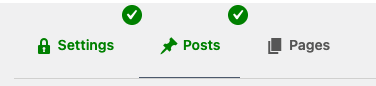
- Navigate to the Post Type
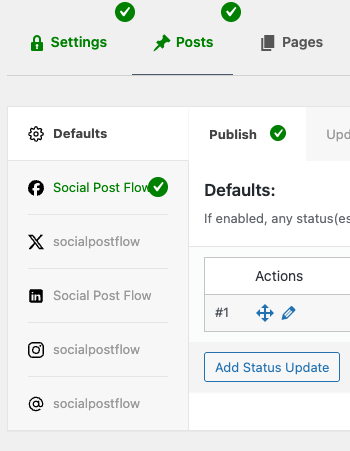
- Click on the applicable Profile
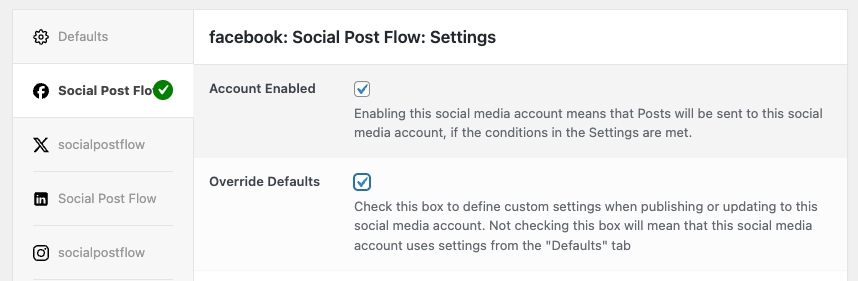
- Tick both the Account Enabled and Override Defaults options
- Click the applicable Post Action tab (Publish, Update, Repost, Bulk Publish), depending on when you want the status(es) to be sent:
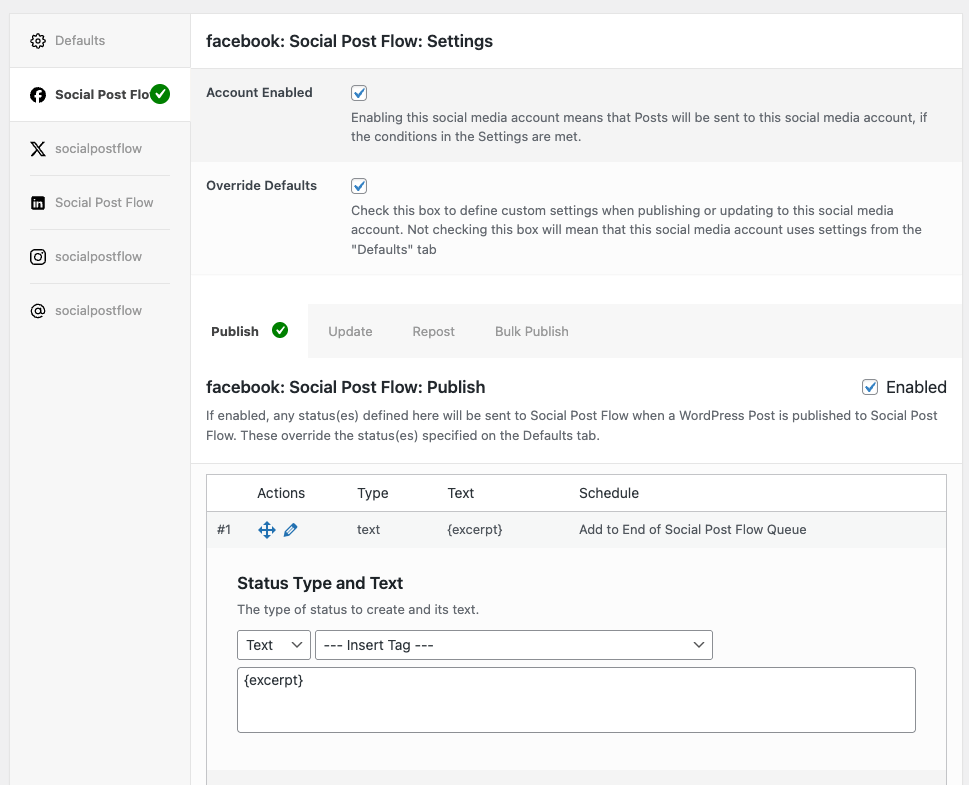
- Tick the Enabled option
- Add, edit, delete or re-order statuses as necessary
These status settings will then be used for status(es) for the given specific social media profile, instead of the statuses defined on the Defaults tab.