
On every Post, Page and Custom Post Type, you have an option to:
- Use Plugin Settings: This Post will be sent based on the plugin’s Post, Page or Custom Post Type settings.
- Do NOT Post to Social Post Flow: This Post will not be sent
- Post to Social Post Flow using Manual Settings: This Post will be sent, based on the settings provided for this specific Post.
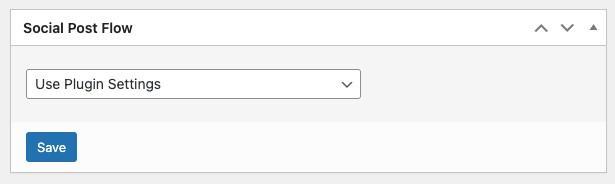
When choosing Post to Social Post Flow using Manual Settings, the below screen will be displayed:
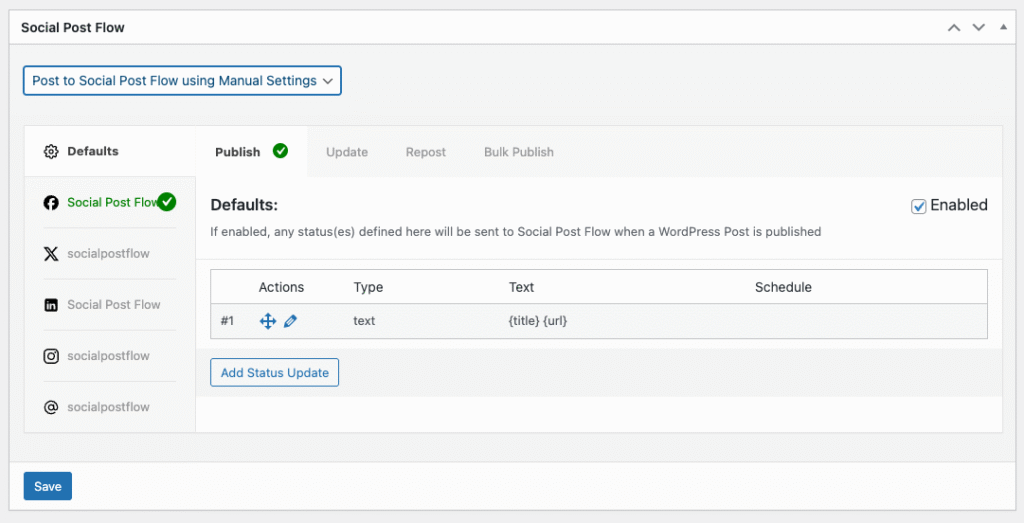

Configuring Per-Post Statuses works in the same way as configuring Status Settings, which can be referred to in the Status Configuration Documentation.
The Save button allows you to save the individual Post Status configuration, without needing to Publish/Update/Save the entire Post. This is not required, however, and settings will save when the Post is also saved, drafted, scheduled, published or updated.