Introduction
Social Post Flow’s MCP Server allows you to connect Social Post Flow to your AI assistant, and issue instructions – such as listing profiles, listing posts and creating, updating and deleting posts.
Prerequisites
- A registered account with Social Post Flow, either in trial or on a paid subscription,
- At least one social media profile connected to Social Post Flow
Setup
The MCP server can be found at https://app.socialpostflow.com/mcp.
It supports OAuth discovery, client registration and authentication flow using OAuth, conforming to the Model Context Protocol standards.
For clients that do not support OAuth, you’ll need to configure your AI client using the below settings. Your personal access token can be found on the Integrations > MCP screen. However, it’s recommended to use OAuth if your AI client provides this.
| Setting | Value |
| Endpoint | https://app.socialpostflow.com/mcp |
| Authorization Header | Bearer <token> |
| Transport | HTTP (Streamable HTTP) |
Claude
Open https://claude.ai/customize/connectors in your web browser
Click the + symbol and click Add custom connector
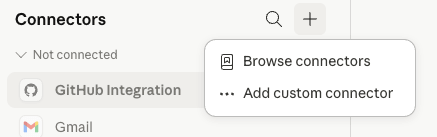
A dialog window will display:
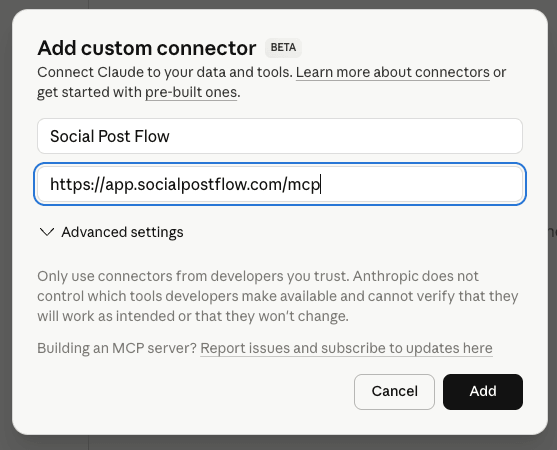
Enter the following information
- Name: Social Post Flow
- Remote MCP server URL: https://app.socialpostflow.com/mcp
Click Add
Claude will advise that you are not connected to Social Post Flow yet. Click the Connect button.
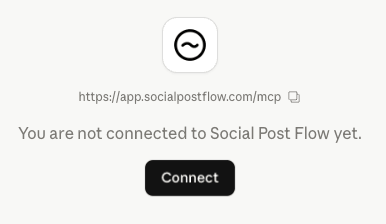
You’ll be redirected to app.socialpostflow.com, and asked to authorize Claude to have access to your Social Post Flow account:
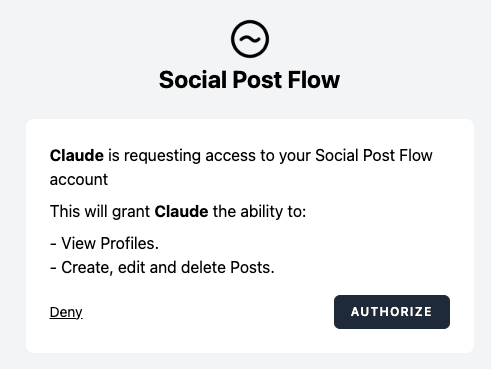
Click Authorize
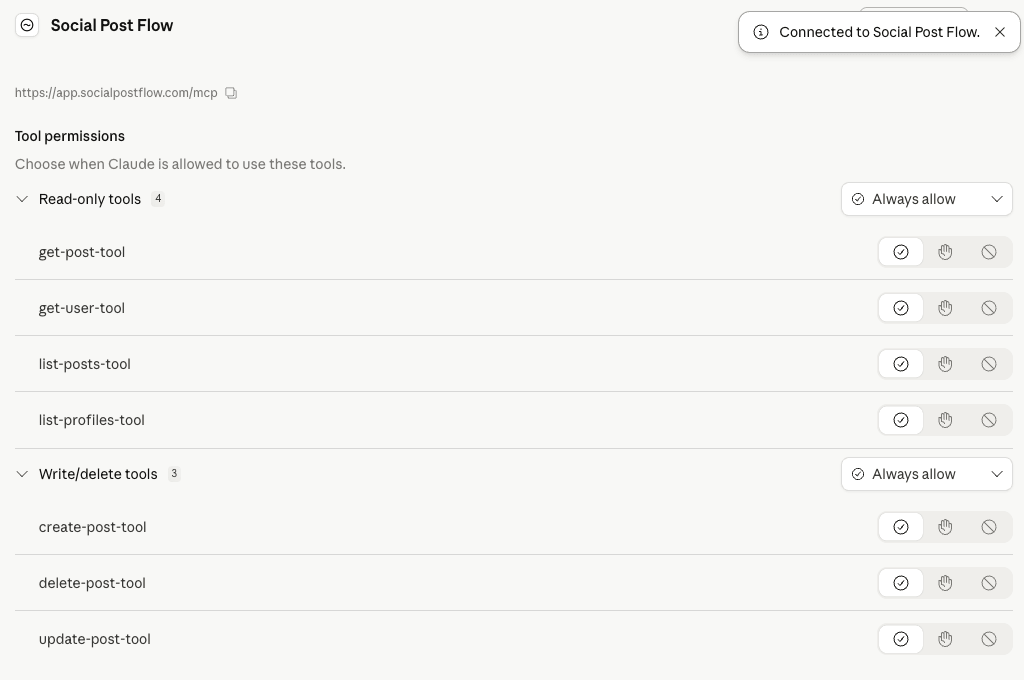
After a few moments, you’ll be take back to claude.ai, where Social Post Flow will display that it is connected and the available tools:
Tool Reference
Social Post Flow’s MCP server provides the following tools, which your AI client will discover automatically. These directly map to our API; refer to the API Docs link for the applicable tool to see the query parameters that can be used.
| Tool | Description | Parameters |
| get-user-tool | Returns information about the authenticated user. | None |
| list-profiles-tool | Returns a list of social media profiles | API Docs |
| list-posts-tool | Returns a list of all posts created on Social Post Flow | API Docs |
| get-post-tool | Returns a specific post created on Social Post Flow | API Docs |
| create-post-tool | Creates a text, link, image, story or Pinterest post on Social Post Flow, with options to schedule immediately or at a specific date and time in the future | Text Post Link Post Image Post Pinterest Pin Post Story Post |
| update-post-tool | Updates an existing post on Social Post Flow that has not yet been published to social media | API Docs |
| delete-post-tool | Deletes an existing post on Social Post Flow. Note that this does not delete the post on social media, if it has been published | API Docs |
Tool Usage

These are designed as a guide. You may provide your own prompts/commands as necessary.
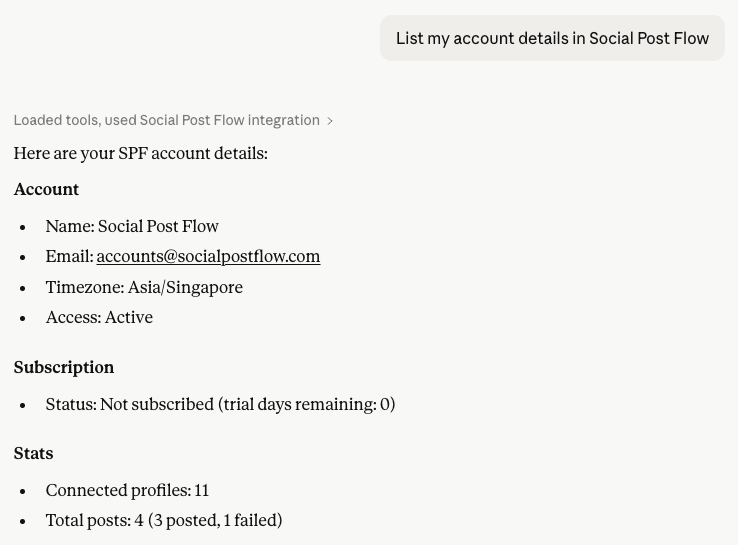
Get User
List my account details in Social Post Flow.
List Profiles
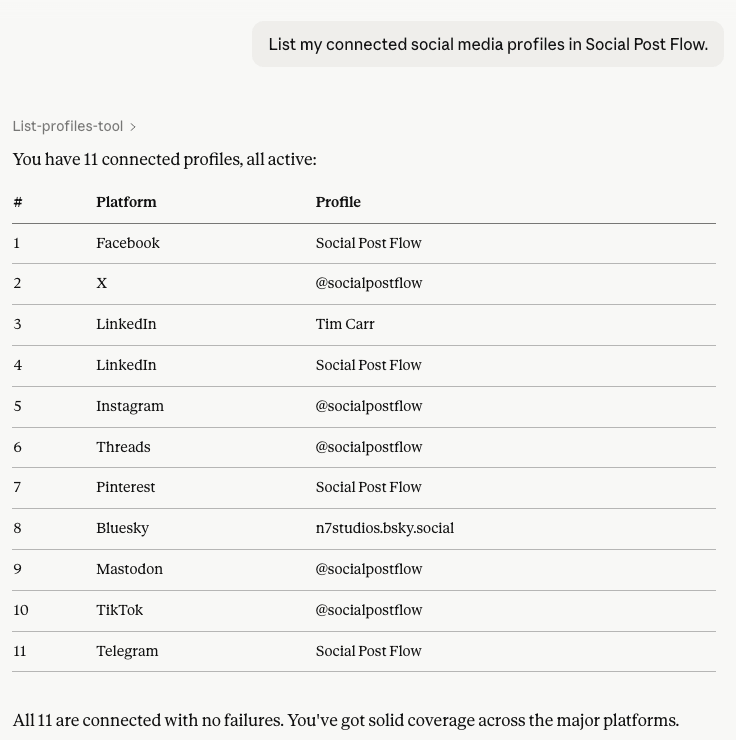
List my connected social media profiles in Social Post Flow.
List Posts
List my posts in Social Post Flow
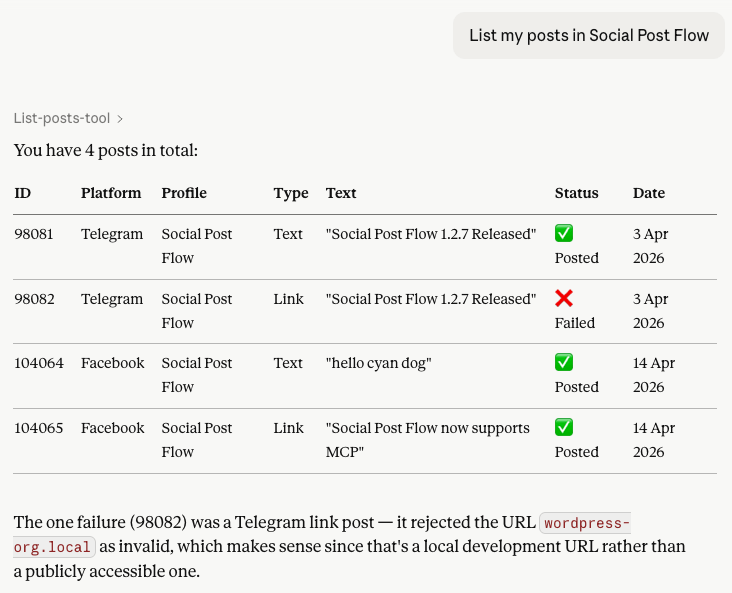
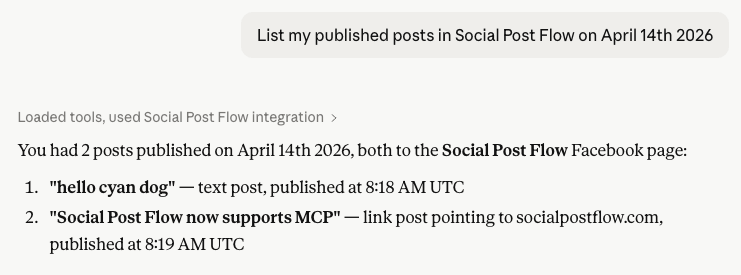
List my published posts in Social Post Flow on April 14th 2026
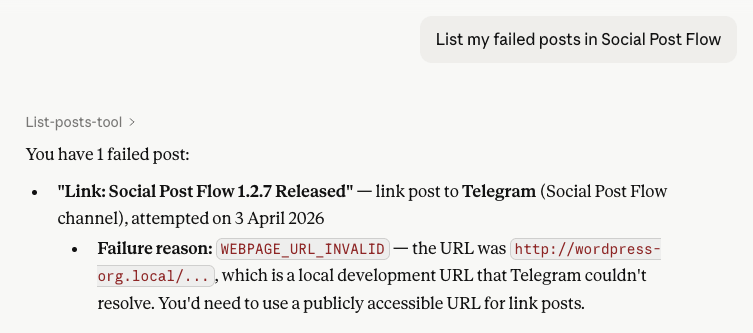
List my failed posts in Social Post Flow
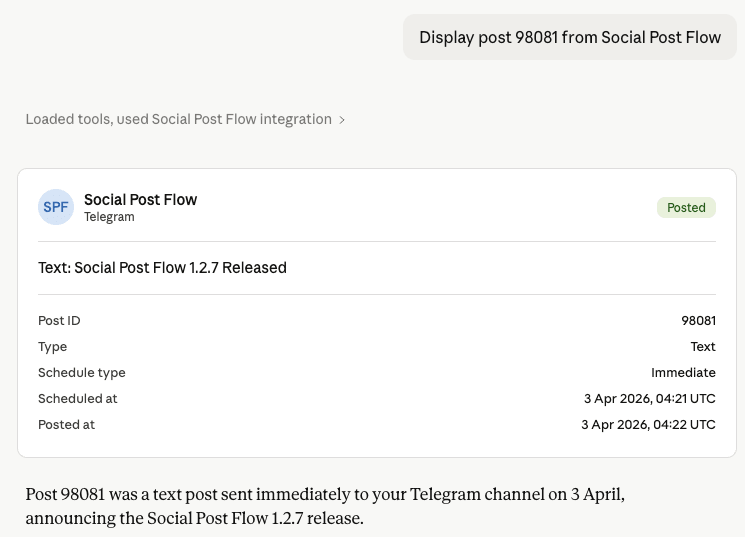
List Post
Display post 98081 from Social Post Flow
Create a Post
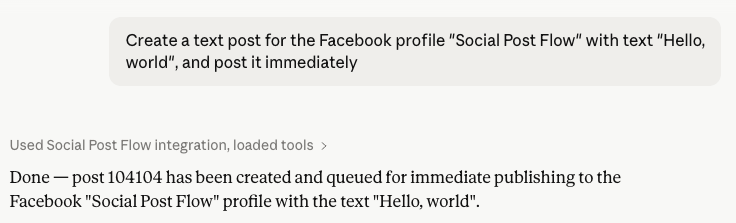
Create a text post for the Facebook profile “Social Post Flow” with text “Hello, world”, and post it immediately
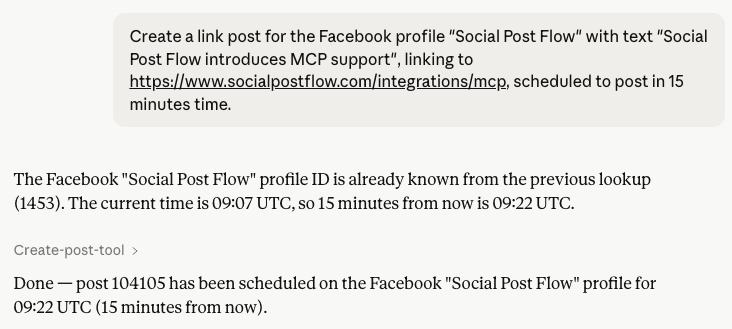
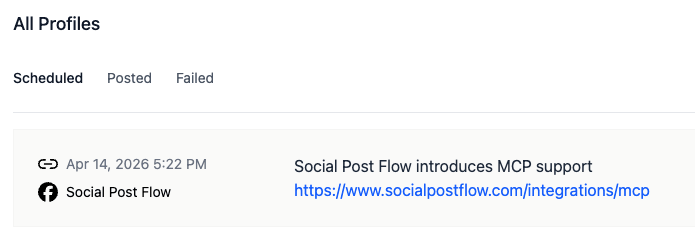
Create a link post for the Facebook profile “Social Post Flow” with text “Social Post Flow introduces MCP support”, linking to https://www.socialpostflow.com/integrations/mcp, scheduled to post in 15 minutes time.
Edit a Post
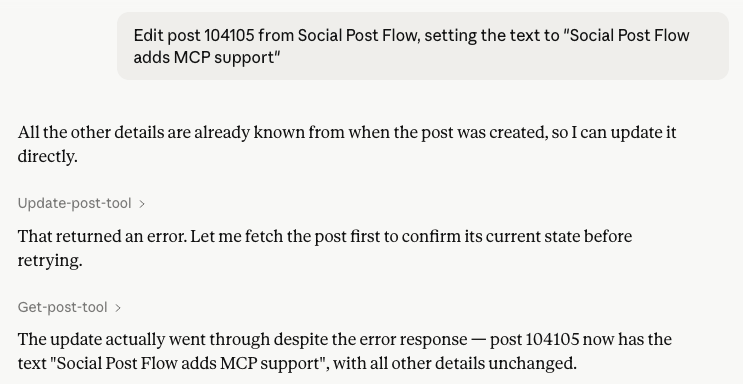
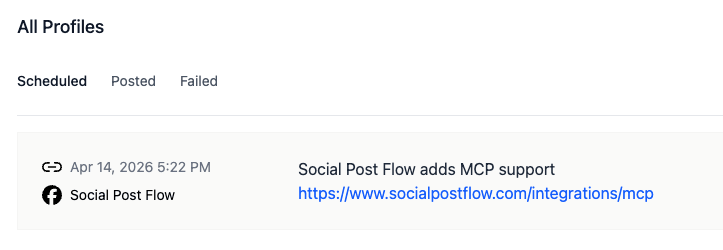
Edit post 104105 from Social Post Flow, setting the text to “Social Post Flow adds MCP support”
Delete a Post
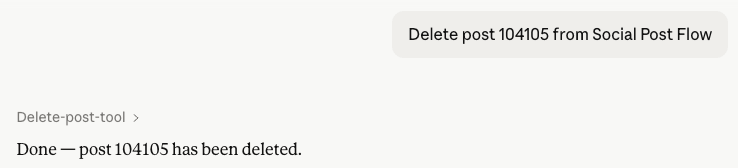
Delete post 104105 from Social Post Flow